SEO, Web Design, Website
Website redesign: when to do it, and how to keep your Google rankings
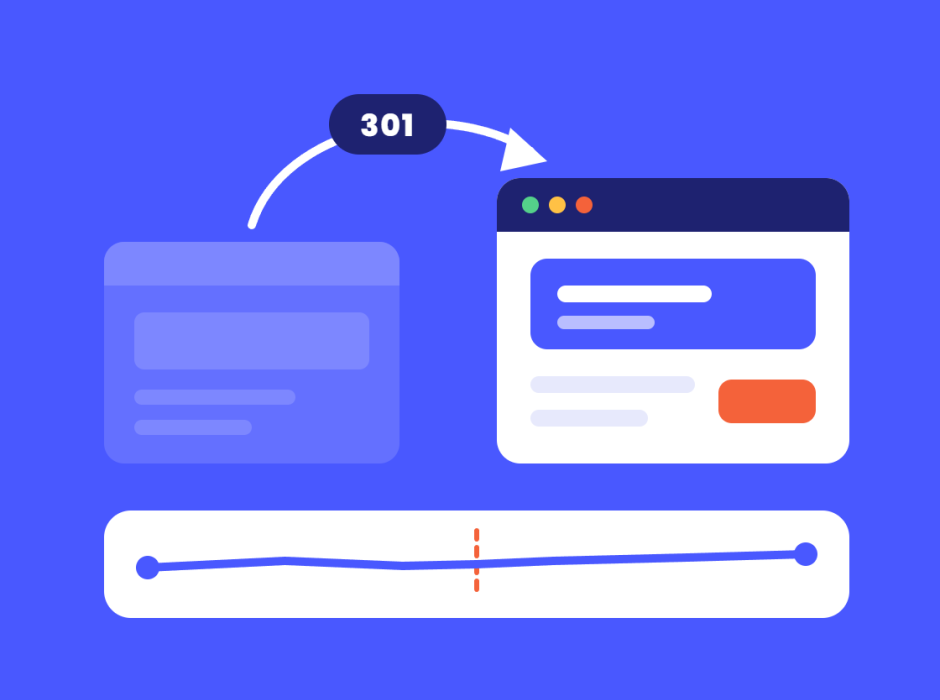

The short version 👇
- Most business websites need a meaningful update every two to three years. Sooner if the site no longer matches your brand, your goals or what visitors expect.
- A refresh changes how the site looks. A redesign changes how it works. A rebuild changes what it is built on. Only the last two usually change your URLs, and changed URLs are where rankings get lost.
- Rankings rarely drop because a site got prettier. They drop because pages moved without redirects, content that ranked was cut, or the new site went live still hidden from Google.
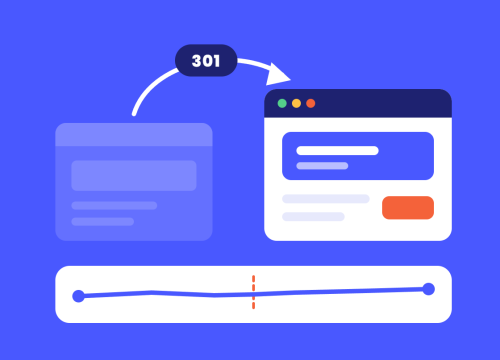
- Every old URL needs a permanent (301) redirect to its closest new match, kept for at least a year. Google expects some movement after a relaunch, and it should settle within weeks, not months.
- Plan the SEO before the design, not after launch.
A new website is meant to bring in more business, not quietly lose the Google rankings the old one spent years earning. Both happen every week in Brisbane. The difference is almost never the design. It is the boring list of checks between the old site switching off and the new one switching on. Here is the checklist iSonic uses to make sure a relaunch keeps what you have already won.
When is the right time to redesign your website?
Usually when the site no longer matches your brand, no longer brings in enquiries, or runs on a platform that has stopped getting security updates. 📅 iSonic suggests a meaningful update every two to three years, and the signs it is time to upgrade your website are worth checking before you brief anyone. Whatever prompts it, the hard part is doing it without losing the Google rankings you already have.
Refresh, redesign or rebuild?
Not every tired website needs to be thrown out. The three options carry very different levels of ranking risk. 👇
| Refresh | Redesign | Rebuild | |
|---|---|---|---|
| What changes | Colours, fonts, images, some copy | Layout, navigation, page structure, content | The platform and code underneath, often everything above too |
| Do URLs change? | Usually not | Often | Almost always |
| Risk to rankings | Low | Medium, manageable with planning | Highest, needs a full redirect plan |
| When it makes sense | The site works but looks dated | The site looks fine but does not convert or is hard to use | The platform is unsupported, slow or cannot do what the business needs |
iSonic’s default is to keep what is working. If the URLs that bring in your enquiries can stay exactly where they are, they should, even when everything around them changes. Rebuilding a page at its existing address is almost always safer than publishing a new one next to it.
Why do websites lose rankings after a redesign?
Google ranks pages, not websites. 📉 When a relaunch changes or removes the pages Google knew, the rankings attached to them have nowhere to go. In iSonic’s experience, the damage almost always comes from one of these:
- URLs changed with no redirects. Every link and every ranking pointing at the old address now lands on a “page not found”.
- Pages that ranked were cut. A service page that looked thin in the design review was quietly bringing in a third of your enquiries.
- Content was rewritten without keeping the subject. The new page is shorter, vaguer, or no longer mentions the thing people search for.
- Two pages ended up chasing the same search. A restructure merges or splits services so two new pages compete, and Google ranks neither well.
- The site launched still hidden from Google. A staging setting such as a noindex tag, a blocking robots.txt file or WordPress’s “discourage search engines” option made it to the live site.
- Titles, descriptions and structured data were lost. The new template ships with generic page titles and none of the schema the old pages had.
- The new site is slower. Heavier images, more scripts, cheaper hosting.
Every one of these is avoidable, and none of them is a design decision.
How to redesign your website without losing your Google rankings
Think of a relaunch as moving house. 📦 You would not move without setting up mail redirection, telling the people who matter, and checking every room before you hand back the keys. A 301 redirect is the mail redirection, and the rest of this list is the moving checklist. This is the order iSonic works through on every redesign.
Before anyone opens a design file
- Inventory every URL. Crawl the current site and export every page, post, product and image that has an address. Add the pages Google Search Console says get impressions and clicks, so you know which pages earn their keep.
- Benchmark. Record rankings, organic traffic and enquiries for the last few months, so you can tell real movement from normal noise after launch.
- Decide what stays, what merges and what goes. Pages that bring in traffic or enquiries stay, ideally at the same URL. Thin pages can merge into a stronger page. Pages that go still get a redirect.
While the new site is being built
- Write the redirect map. Every old URL that changes gets a permanent (301) redirect to the closest relevant new page, one to one, not a blanket redirect to the homepage. At iSonic this is a hard rule: no page is removed without a redirect, no exceptions.
- Carry the SEO across. Page titles, meta descriptions, headings, image alt text and structured data move with the content. The words people search for stay on the page that ranked for them.
- Plan the switch from the development site. iSonic builds every new site on a separate development site, and on launch day we redirect the development address to the live site, so search engines and anyone holding an old preview link land on the real thing.
- Check speed on the new build. Before launch, not after a month of complaints.
On launch day
- Remove anything that blocks search engines. Check the robots.txt file, the noindex tags and the WordPress visibility setting on the live site, not the staging copy.
- Test the redirects. Take a sample of old URLs and confirm each one goes straight to the right new page in a single hop.
- Submit the new XML sitemap in Google Search Console.
- Test the things that make money. Forms, tappable phone numbers, bookings, checkout and conversion tracking.
For the first eight weeks
- Watch Search Console weekly. The pages report shows anything Google cannot find; fix each with a redirect or a restored page.
- Expect some movement. Google’s own site move guidance says to expect temporary fluctuation in rankings during a move, and that it can take a few weeks or more for a medium-sized site to settle.
- Keep the redirects. Google recommends keeping them for as long as possible, generally at least a year. iSonic leaves them in place permanently.
If you would rather have someone else check the technical side, a technical SEO audit before and after launch catches most of these problems while they are still cheap to fix.
What does a website redesign cost?
It depends on which of the three jobs you need, and how many pages and features come with it. Knowing what a website should actually cost before the quotes arrive helps, and iSonic’s website design packages show what is included at each level. Every iSonic quote is custom, free and no-obligation.
Two things are worth knowing before you get quotes. First, ask every agency how they handle redirects and SEO during the move. If the answer is vague, the cheapest quote may be the most expensive one. Second, if iSonic built your current site and it is about two years old or more, our website trade-in program gives you credit towards the new one, and sites built elsewhere can get a custom valuation.
Is it time for yours?
If you have read this far, your website is probably on your mind for a reason. A free website audit will show you whether it needs a refresh, a redesign or a rebuild, and which pages you cannot afford to lose. If you are already planning one, our web design team in Brisbane builds every new site with the SEO move planned from the start, whether it is a WordPress website, an ecommerce store or a custom-designed site built around your customers, like the websites iSonic has built for businesses across South-East Queensland.
Frequently asked questions
How often should you redesign your website?
Most business websites need a meaningful update every two to three years, and iSonic recommends reviewing yours once a year, around the end of the financial year. Redesign sooner if the site no longer matches your brand, does not bring in enquiries, is slow on a phone or runs on a platform that no longer gets security updates. A full rebuild is needed less often than a refresh or redesign.
Will a new website hurt my Google rankings?
It should not, if the move is planned properly. At iSonic we inventory every existing URL, redirect every changed address to its closest new page, carry titles and structured data across and check that nothing blocks search engines on launch day. Rankings are usually lost through missing redirects or cut content, not through the new design itself.
How long do rankings take to recover after a redesign?
Some movement for a few weeks is normal, and Google’s own site move guidance says to expect temporary fluctuation while it processes the new URLs. For most small and medium sites, iSonic sees things settle within weeks when the redirects are right. If rankings are still falling after a couple of months, something in the move needs fixing, and Search Console is the first place to look.
Do I need 301 redirects if my URLs are not changing?
No, not for pages that keep exactly the same address, although any page that is removed or renamed still needs one. iSonic keeps URLs the same wherever possible, because a page that stays at its address keeps its rankings more reliably than any redirect. Check old blog posts, product pages and image links too, because they are the ones most often missed.
Should I refresh or rebuild my website?
Refresh if the site works well but looks dated, and rebuild if the platform is unsupported, slow or cannot do what the business needs. iSonic usually recommends the smallest change that solves the real problem. A free website audit is the quickest way to find out which one yours needs.
Can I trade in my old website?
Yes, if iSonic built it and it is about two years old or more, the iSonic website trade-in program gives you credit towards a new site. Websites built elsewhere can still get a custom valuation. Each site is assessed individually before the credit is confirmed.
Let’s talk
A new website should be the start of more enquiries, not the start of a ranking scare. If you want a redesign planned around the pages that already make you money, call iSonic on 1300 924 356 or talk to our team. Stop guessing. Start planning.

Get industry insights for your business growth.
Sign up for all the latest updates from our iSonic team including news and industry updates.
Recent Articles